
FRAMEFLOW
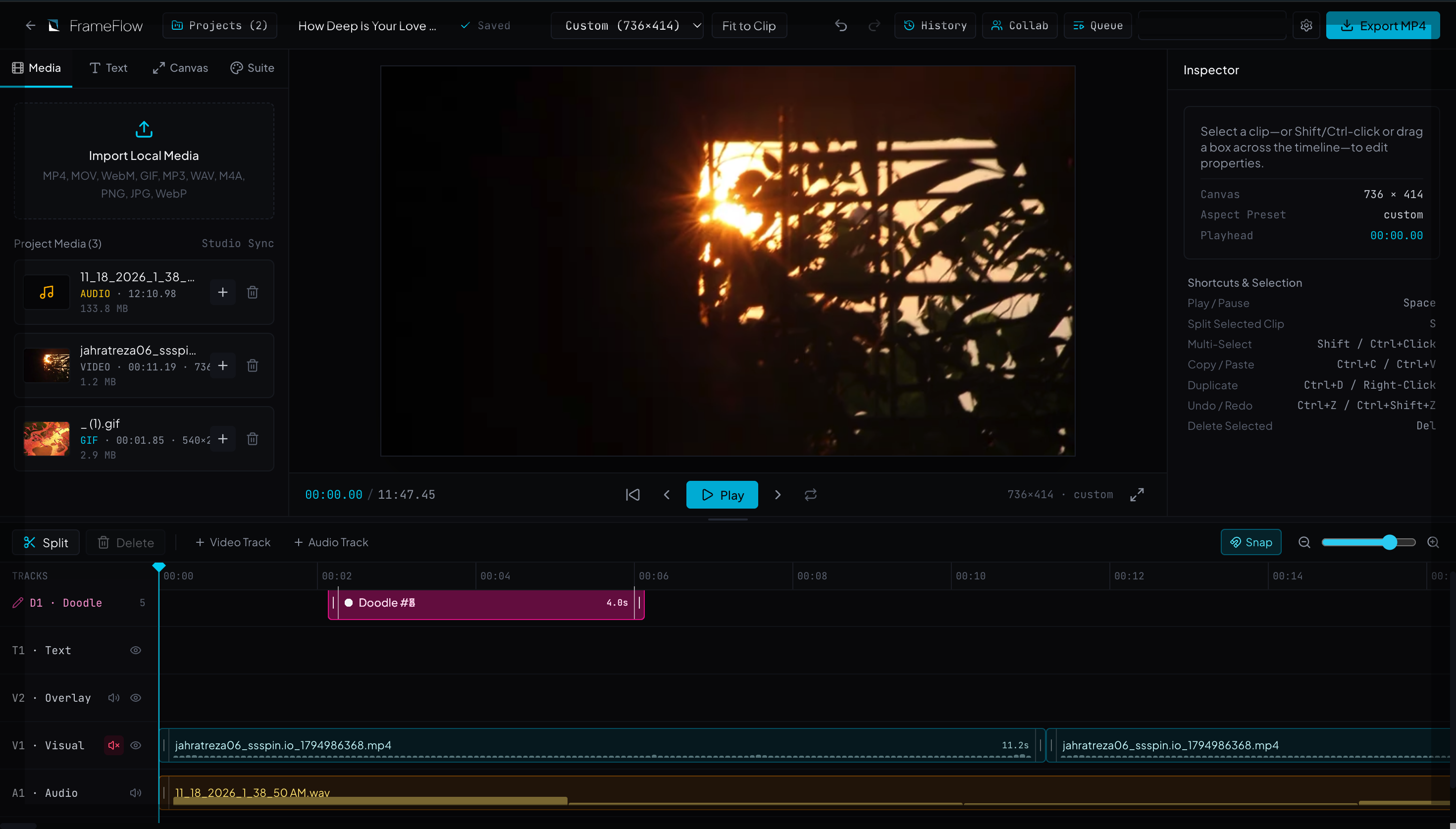
Edit on the move with FrameFlow, your powerful precision in-browser video editor.
Why It Exists
Precision timeline editing shouldn’t require heavy desktop installs, pricey subscriptions, or an active Wi-Fi connection.
Multi-track video, GIF, music, and image editing right in your browser, online or offline, with instant local H.264 + AAC MP4 exports.
01
DROP MEDIA IN
Import MP4, MOV, WebM, GIF, audio, and images with zero software install.
02
CUT & SHAPE
Drag, split, decode GIFs frame-by-frame, switch ratios, and tune audio FX.
03
EXPORT OFFLINE
Render local H.264 + AAC MP4 without Wi-Fi, or upload straight to YouTube.
Inside The Workspace
Hover frames to inspect color UI
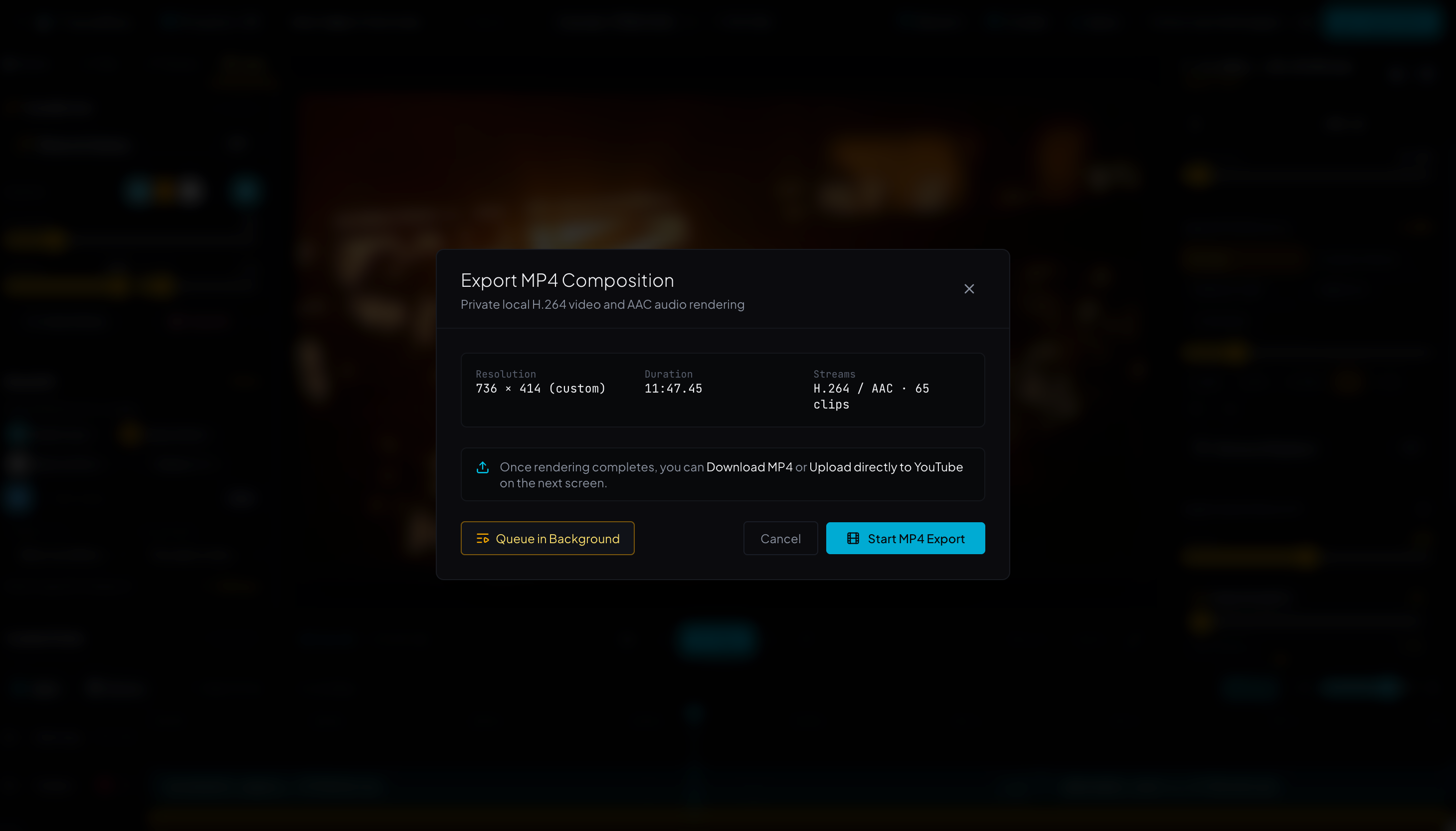
Offline MP4 Render & YouTube Sync
Export H.264 + AAC MP4 locally without Wi-Fi, or publish directly to YouTube.
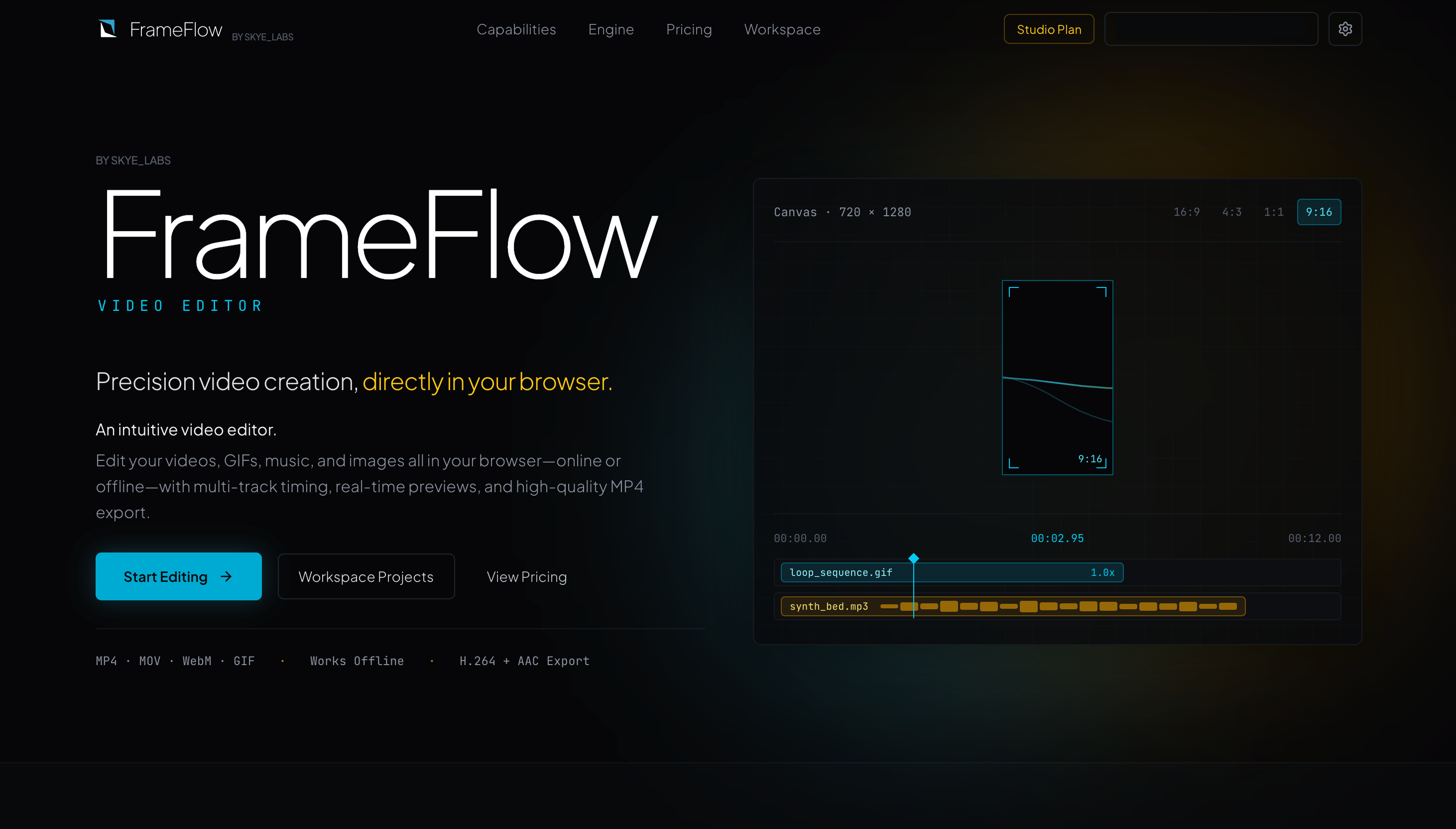
Instant Aspect Switching
Reframe compositions cleanly across 16:9, 9:16, 4:3, 1:1, and custom ratios.
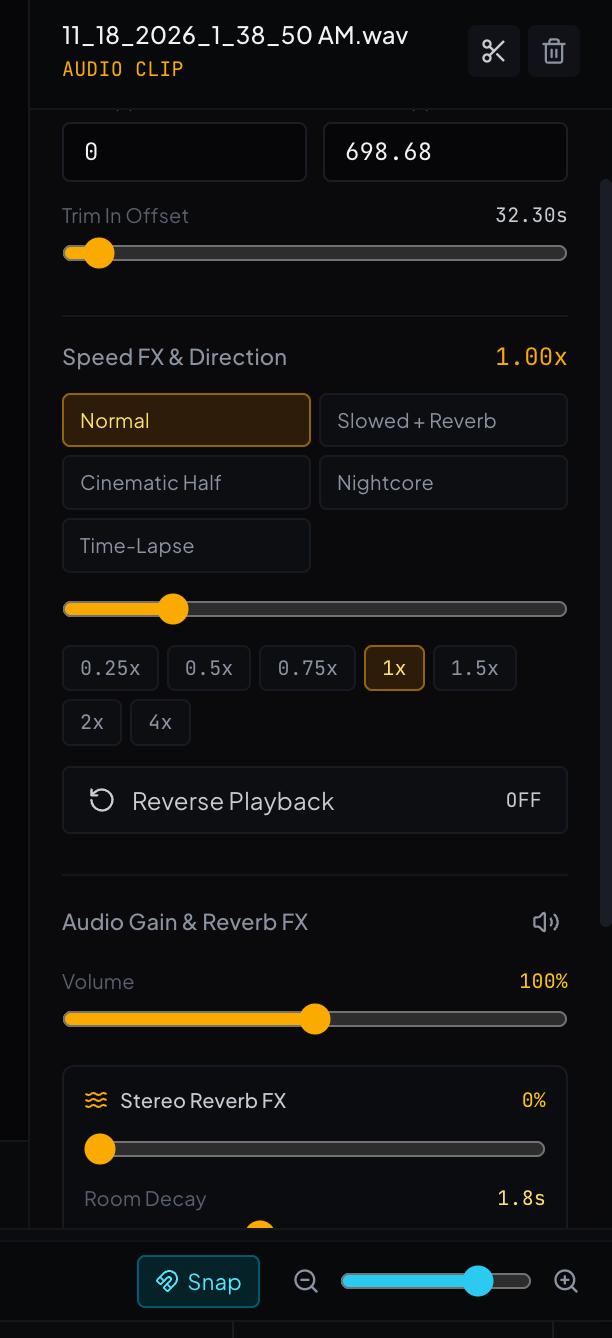
Speed Curves & Stereo Reverb
Dial 0.25x to 4x speed, Slowed + Reverb, reverse playback, and room decay.
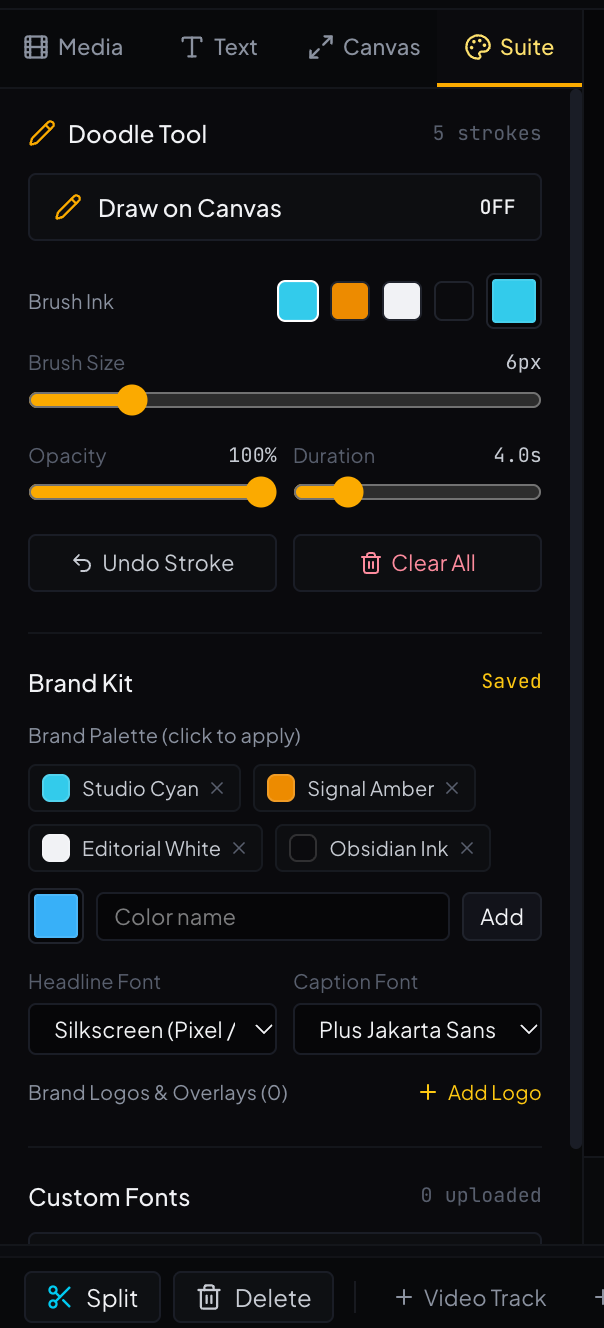
Doodle Canvas & Brand Kit
Sketch directly on frames and lock in reusable color palettes and fonts.
Capabilities
Zero-Download Multi-Track Editing
Edit video, GIFs, music, and images across dedicated tracks directly in Chrome or Safari.
Native Frame-by-Frame GIF Decoding
Cut animated GIFs like real video clips with no external converters needed.
Offline Editing & H.264 + AAC Export
Keep cutting and render crisp local MP4 files even with zero internet connection.
Speed FX, Reverse & Stereo Reverb
Apply 0.25x to 4x curves, Slowed + Reverb, Nightcore, Cinematic Half, and gain controls.
Aspect Ratios, Brand Kit & YouTube Sync
Switch 16:9 / 9:16 / 4:3 / 1:1 canvases, draw doodles, and push renders to YouTube.
Release Sheet
- Category
- Website
- Status
- Live · Test Now
- Live URL
- frameflowvideo.skyelabs.app
- Video & Image Import
- MP4 · MOV · WebM · GIF · PNG · JPG · WebP
- Audio Import
- MP3 · WAV · M4A
- Export Engine
- Local MP4 (H.264 + AAC) · YouTube Sync
- Offline Mode
- Edit & Export Without Wi-Fi
- Editions
- Free (24h local session) · Pro Suite
- Mobile
- iOS & Android Coming Soon
FrameFlow · Live · Test Now
Leave your email for testing links, mobile release updates (iOS & Android), and notes on FrameFlow.
More From SKYE_LABS
All Products02 · Website · Live Beta
SCRIPTSYMPHONY
Scriptwriting and story planning studio built for every phase of your story. Playwriting, screenwriting, and content creation templates available for free.
03 · Web App · Live · Test Now
MADAM MELODY
Record beats for your favorite songs in this live piano-tile game.